

Osso Nurse Training Troubleshooting Guide
Search the knowledge base
Quickly search to find answers or browse by topic below for using Osso Nurse Training with HLC.
Start here
Begin with these tips for using this guide.
What support paths are covered in this guide?
HLC (HealthStream LMS) issues, Osso course/app issues, and headset and network hardware issues owned by the customer organization.
Before I start troubleshooting, what information should I have available?
To streamline troubleshooting, be sure to have the following available: your user name, email, and hStream ID; organization name, OrgID and InstitutionID (if known); course name in the HLC and course ID (if available); headset model (Meta Quest 3 or 3S only); where it failed (HLC launch, Osso Loop login, QR scan, in-headset course, completion sync); and the time and date, plus a screenshot or photo of the error.
Browse by topic
Getting Into Training
Find your assignment, log in and launch through the HLC.
Completion & Results
Scoring and reviewing your debriefing.
Charging & Power
Keep the headset charged and controllers, display and audio working.
Boundary & Wifi
Set a safe play boundary and stay connected to wifi.
Headset Fit
Adjust the headset for a comfortable, clear fit.
Safety & Hygiene
Clean, store and use the device safely between sessions.
Try a different search term or contact your HealthStream administrator for further assistance.
Getting Into Training
Where do I find my Osso Nurse Training assignments?
What are my login credentials to Osso?
How can I access the Prebriefing?
Once I see the QR code in the prebriefing, what do I do in the headset?
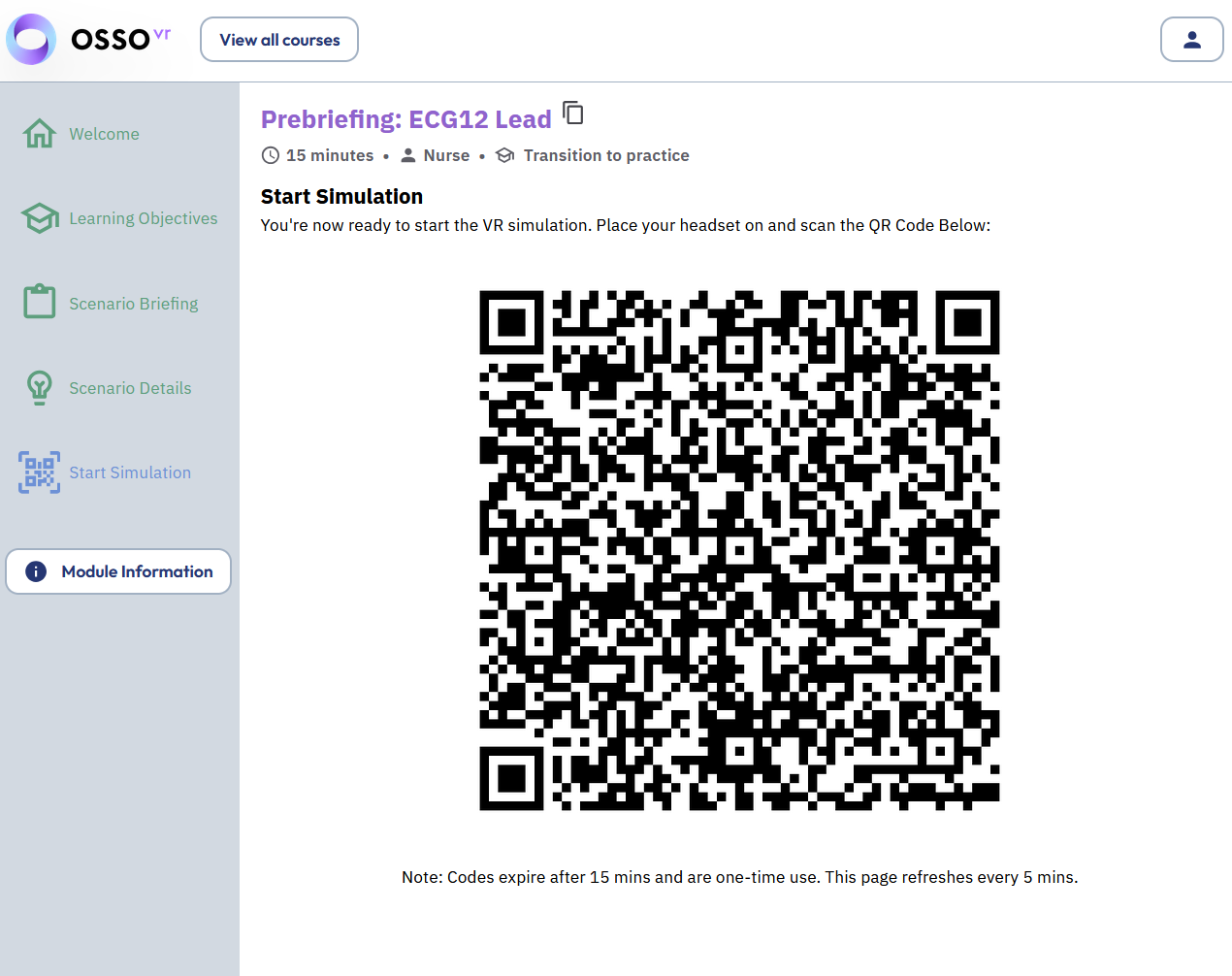
The QR code isn’t working. What should I do?
What happens if my app needs an update?
Who do I contact if my assignment doesn’t show up in the headset?
Completion & Results
What is considered passing for an Osso VR training scenario?
Is there a way to review my debriefing outside of the headset?
When is my assignment considered complete?
How long does it take for completion to sync back into HealthStream?
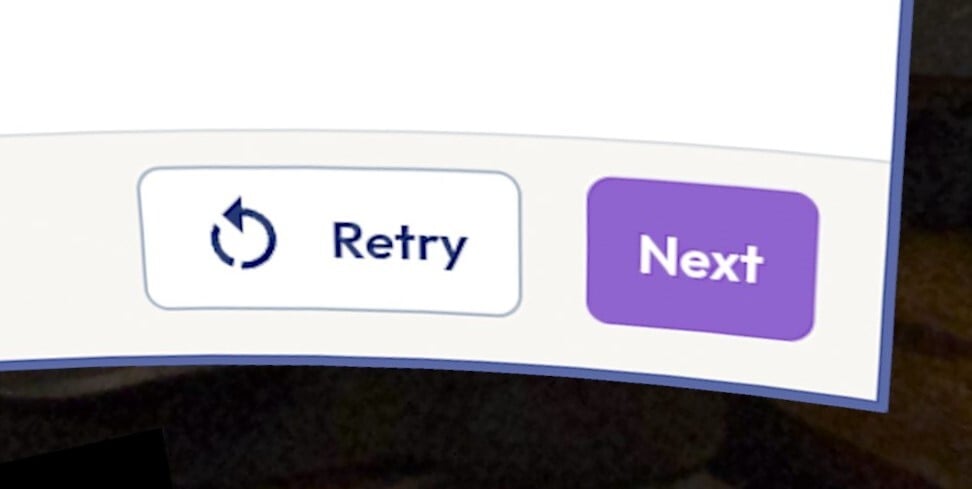
Can I retake a scenario if I don’t pass the first time?
Charging & Power
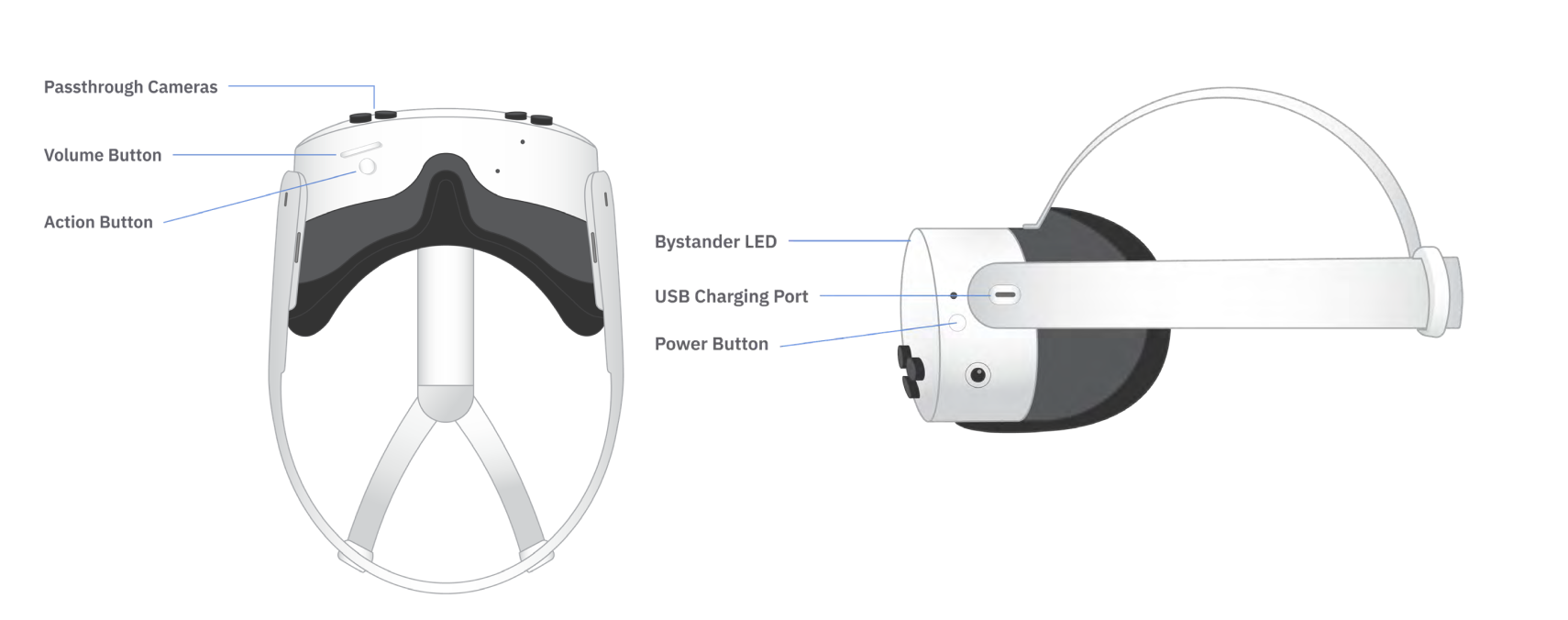
My headset is black when I look into it.
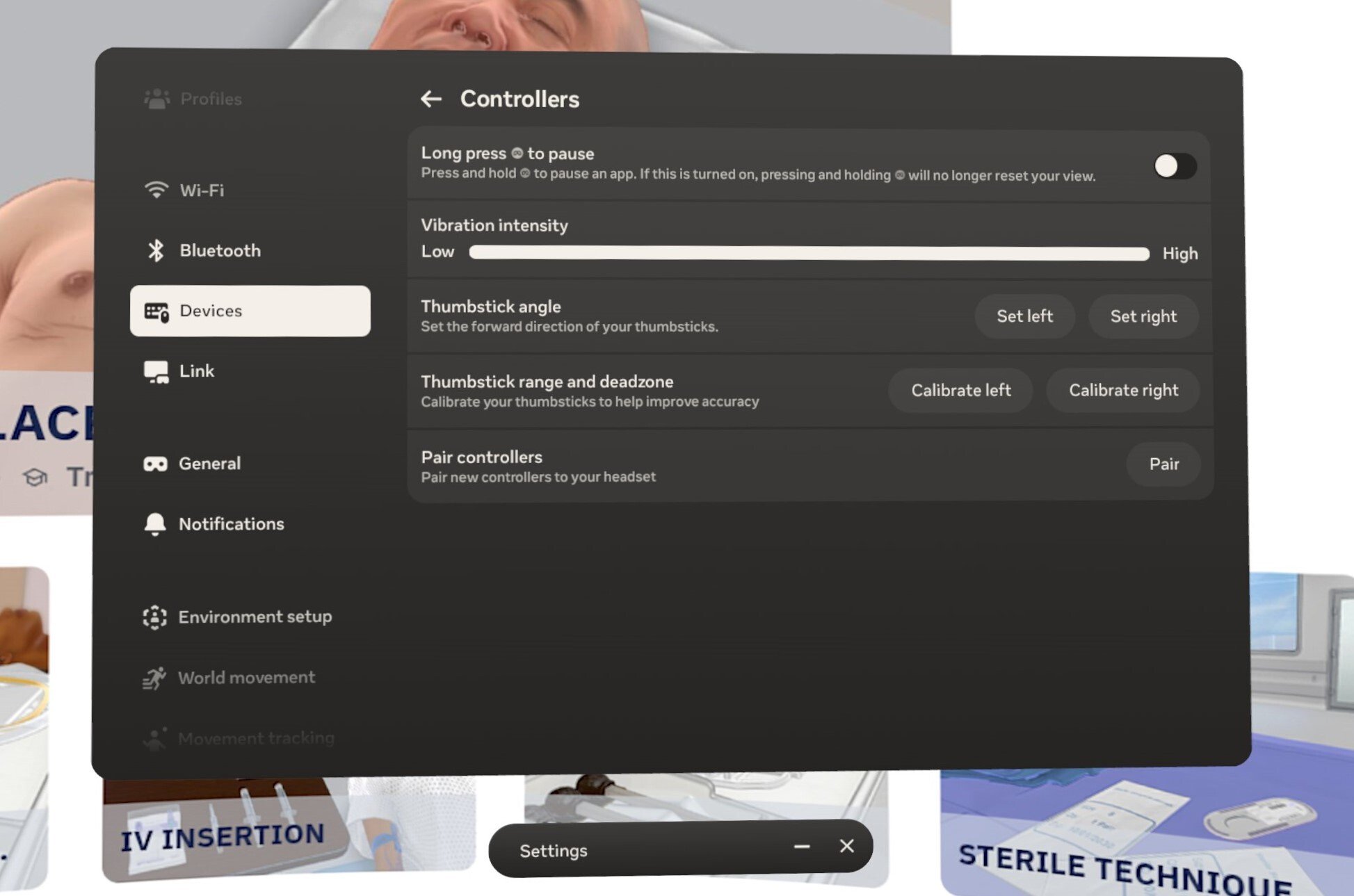
My controllers aren’t working properly or won’t show up in my headset.
My headset or application froze, and I can’t fix it.
I cannot hear anything in my headset.
My headset keeps dying.
Boundary & Wifi
It says I need to set up a boundary. What is a boundary?
How do I set up a boundary?
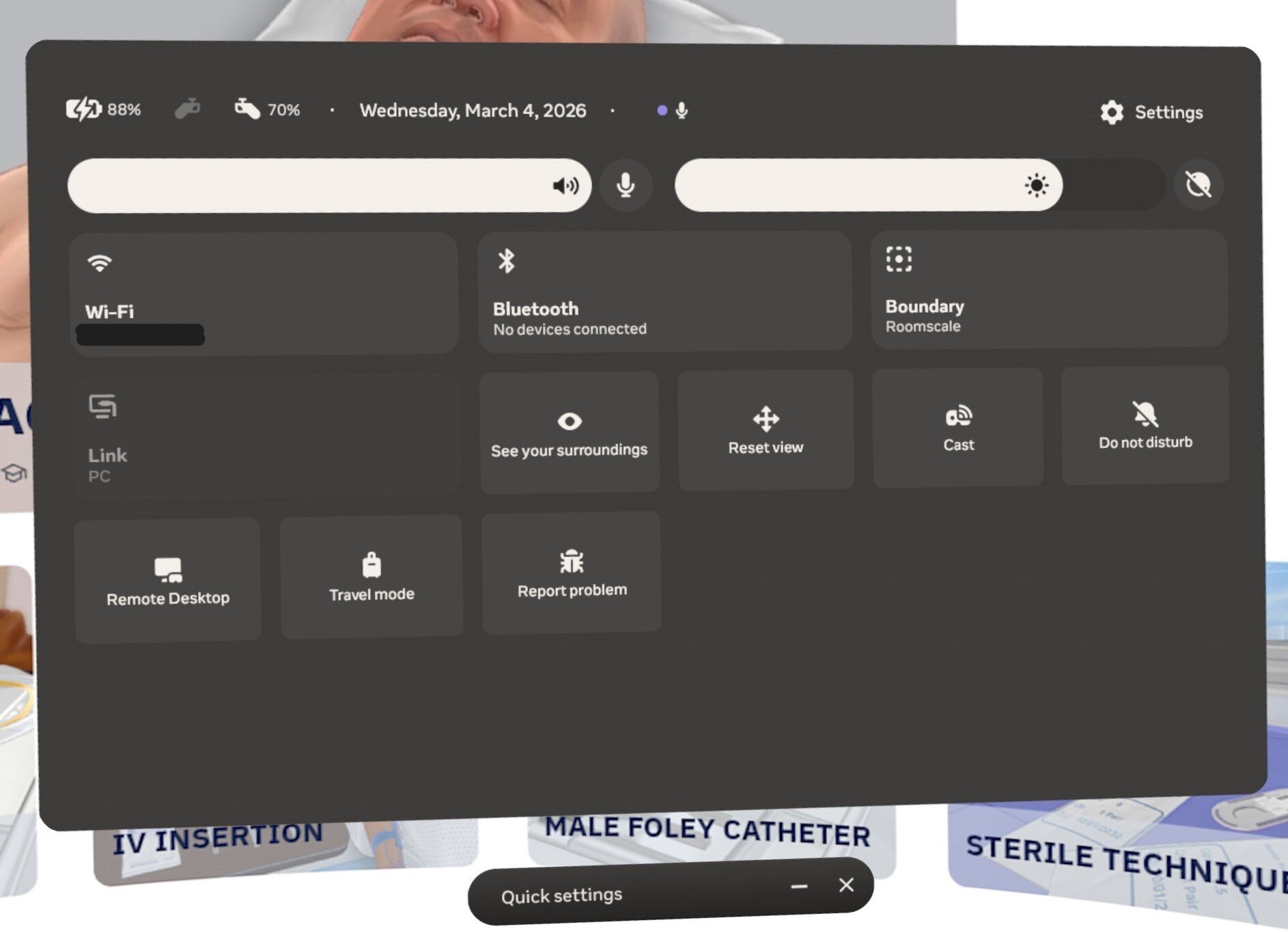
My suggested boundary is too small.
I think I am stuck on the floor, too low, high up in the air or in the ceiling. What happened?
Why is my tracking or boundary not working in our room?
Do I need a wifi connection to use Osso VR?
I cannot connect my headset to wifi.
Can I use a hotspot?
Headset Fit
It is blurry inside the headset, and I can’t see or read things on the screen.
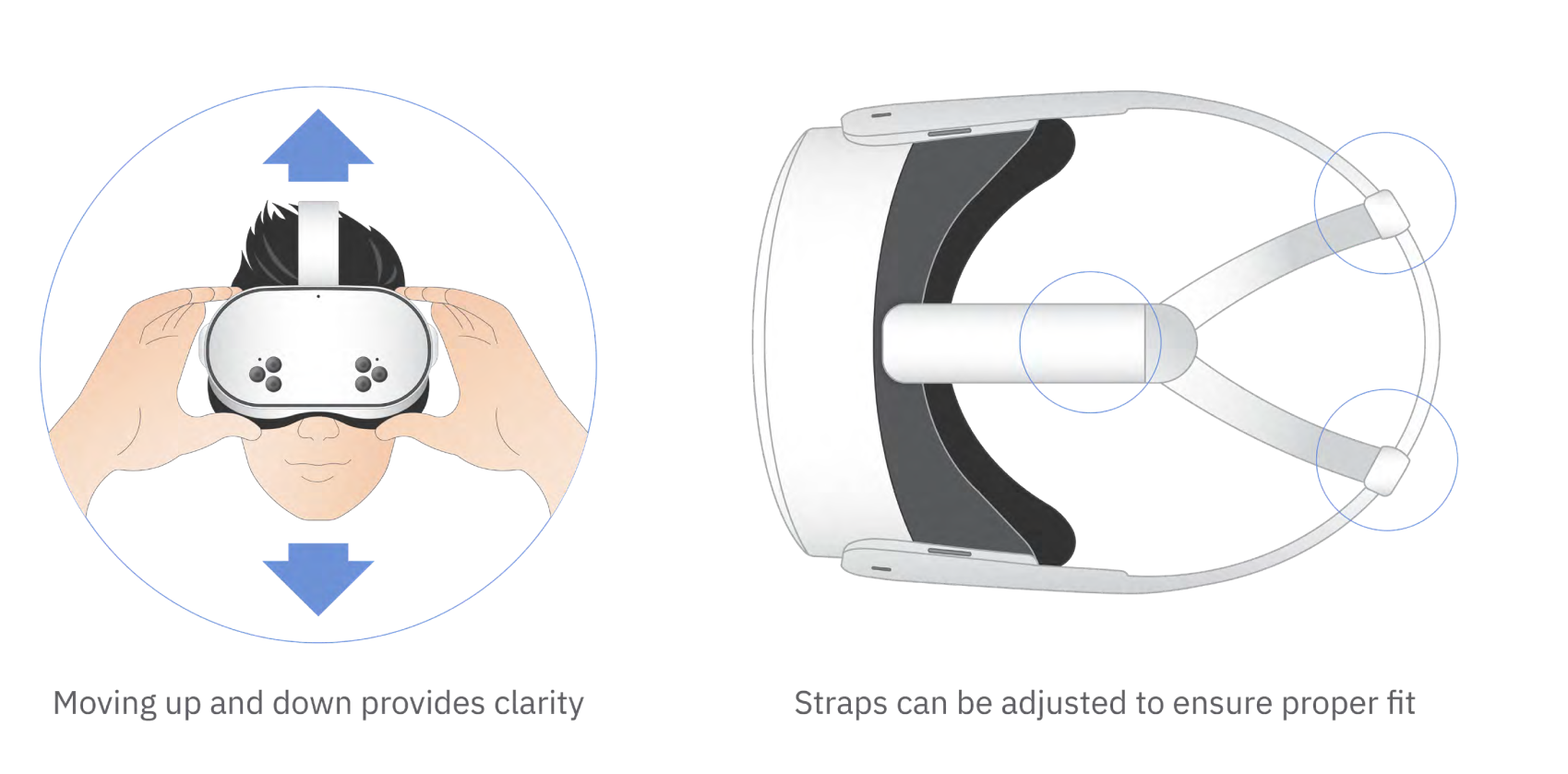
Can I wear glasses while using VR?
Safety & Hygiene
How do I clean the headset?
I am struggling with the controls. I keep dropping objects.
Why do I keep turning around, or why does the world keep moving or turning?
Contact Support
Tried troubleshooting yourself and still running into issues? Let’s find the next right step.
Accessing and launching HLC
Contact your system's HealthStream admin
Using the Osso Nurse Training app
Contact your system’s IT team
Issues with headset or wifi
Contact your system’s IT team
Guides & downloads





Osso VR is the leading immersive procedural-skills training platform in healthcare. Co-founded in 2016 by UCLA- and Harvard-trained pediatric orthopedic surgeon Justin Barad, MD, our award-winning platform is trusted by hospitals and used by more than 100,000 healthcare professionals worldwide.